
EAN Code Lookup: How to Find Who Owns a Barcode
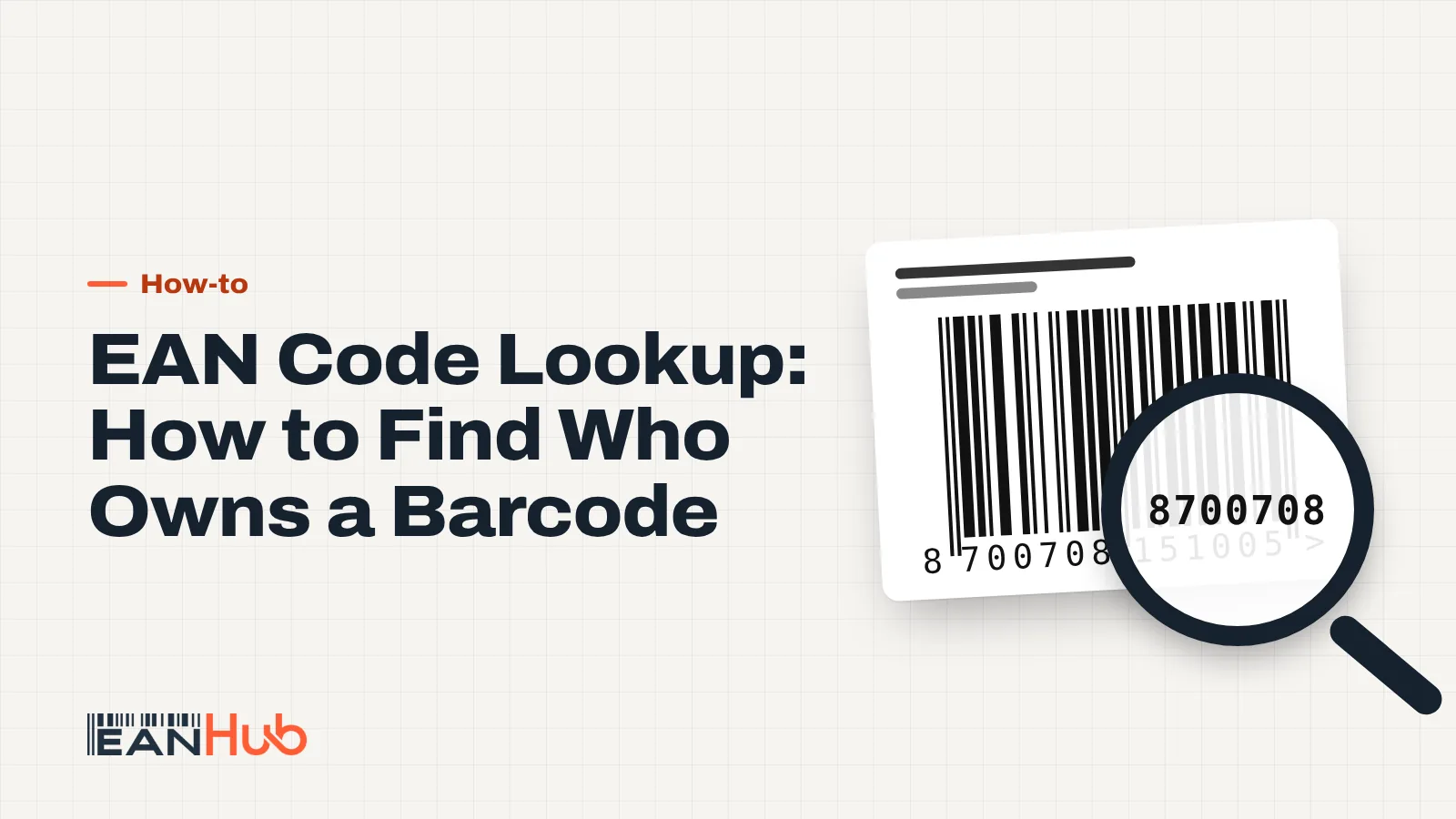
An EAN code lookup starts with three checks: is the number valid, which company licensed it, and where is it already listed for sale. Verified by GS1, marketplace search and a check digit tool each answer one of those questions, and none of them answers all three.
Key points
- Validate the check digit first: a typo makes every other lookup pointless.
- Verified by GS1 shows the company that licensed a GS1-issued GTIN; the free tier allows 30 searches a day.
- Amazon.co.uk, eBay.co.uk and Google show where a number is already being sold, not who owns it.
- The first digits show which GS1 office issued the number, not where the product was made.
- No result in Verified by GS1 does not automatically mean a number is fake or unused.
You've got a box of stock from a new supplier, a returned parcel with no paperwork, or a barcode you bought and want to double-check. An EAN code lookup tells you three things, in this order: whether the 13 digits are a valid number at all, which company licensed the number (if it came from GS1), and where it is already listed for sale. You need a different tool for each question, and it pays to know what each one cannot tell you.
This guide walks through every method that works in the UK, with a worked example and an honest list of limits.
Step 1: check the number is valid before you search
Every EAN-13 ends in a check digit calculated from the first twelve digits. If one digit has been misread or mistyped, the check digit no longer matches, and any search you run afterwards is looking for the wrong number.
So before you go anywhere else, paste the number into our free EAN checker. It recalculates the last digit and tells you straight away whether the number is structurally valid. That takes five seconds and saves you from chasing a phantom product.
| Digit | 5 | 0 | 3 | 9 | 7 | 1 | 2 | 6 | 4 | 0 | 5 | 8 |
|---|---|---|---|---|---|---|---|---|---|---|---|---|
| × weight | ×1 | ×3 | ×1 | ×3 | ×1 | ×3 | ×1 | ×3 | ×1 | ×3 | ×1 | ×3 |
| Result | 5 | 0 | 3 | 27 | 7 | 3 | 2 | 18 | 4 | 0 | 5 | 24 |
5039712640582
A valid check digit proves only that the number is well formed. It does not prove that anyone owns it, that it has been used, or that it belongs to the product in your hand.
How to do an EAN code lookup in Verified by GS1
Verified by GS1 is the global registry run by GS1, the organisation that manages the barcode numbering system. It replaced the older GEPIR lookup at the end of December 2023, so if you see GEPIR mentioned in older guides, Verified by GS1 is where you now go.
According to GS1 UK, once you have the GTIN (the number under the barcode), a search shows:
- the company that licenses the GTIN,
- whether it is a genuine GS1 number,
- and which GS1 Member Organisation issued it.
GS1 adds that the search returns product information as well, if the brand owner has published it.
How to run the search
- Go to the Verified by GS1 search (GS1 UK links to it from its data services pages).
- Choose the GTIN search and type all 13 digits. Leading zeros matter for 14-digit GTINs, so copy the number exactly.
- Read the result: licensee name and address, issuing GS1 office, and any product data such as brand, description and image.
The 30-search limit
The free service is capped at 30 searches per day, a limit confirmed by both GS1 and GS1 UK. That is plenty for checking a supplier's range. If you need to verify thousands of numbers, GS1 UK points you to a premium service on request.
Searching Amazon.co.uk, eBay.co.uk and Google
Verified by GS1 tells you who licensed a number. Marketplaces tell you something different: where the number is already being used to sell something. For a seller, that is often the more urgent question.
Amazon.co.uk
Paste the 13 digits into the Amazon.co.uk search bar. If a listing is attached to that EAN, it often appears in the results. As a seller you get a more reliable answer inside Seller Central: start adding a product, enter the number as the product ID, and Amazon will show you any existing catalogue page matched to it.
eBay.co.uk
eBay uses EANs to match listings to its product catalogue. Searching the number on eBay.co.uk can turn up both catalogue entries and individual listings that quote it in the item specifics.
Search the number in quotation marks, for example "5039712640582". You will find shop pages, price comparison sites and Google Shopping results that mention it. This catches webshops that aren't on any marketplace.
What each lookup method can and can't tell you
| Method | What you learn | What you don't learn | Cost |
|---|---|---|---|
| Check digit tool | Whether the number is well formed | Owner, product, usage | Free |
| Verified by GS1 | Licensee and issuing GS1 office; product data if published | Anything about numbers outside the GS1 system; where it is sold | Free up to 30 searches/day |
| Amazon.co.uk search / Seller Central | Whether an Amazon listing uses the number | Who owns the number | Free |
| eBay.co.uk search | Catalogue matches and live listings | Who owns the number | Free |
| Google search | Webshops and comparison sites that quote it | Who owns the number | Free |
| Prefix (first digits) | Which GS1 office issued it | Country of manufacture | Free |
- Check digitIs the number well formed?
- Verified by GS1Who licensed it?
- MarketplacesIs it listed on Amazon or eBay?
- GoogleAny webshops quoting it?
The prefix myth: what the first digits really show
Many people look at the first two or three digits and assume they show the country of origin. They don't. GS1 states plainly that the GS1 prefix identifies the GS1 Member Organisation that allocated the number, not where the product was made. GS1 UK confirms that the company prefixes it issues begin with 50.
So 5039712640582 tells you the number came through GS1 UK. The product could have been manufactured in Leicester, Lisbon or Shenzhen. The same applies in reverse: a jar of British jam can perfectly well carry a number starting with 87 or 40.
- PrefixIssuing GS1 office
50 - Company numberPart of company prefix
39712 - Item referenceOne per product
64058 - Check digitCalculated
2
Worked example: checking a supplier's barcodes
Say you run a small homeware shop and a new wholesaler sends you 12 scented candles. The label on the first one reads 5039712640582. Here's how the lookup goes:
- Check digit. You paste the number into the EAN checker. The first twelve digits give a weighted sum of 98, so the check digit must be 2. It matches, so the number is well formed.
- Verified by GS1. You search the GTIN. Scenario A: it returns a licensee called "Example Candle Co Ltd", issued by GS1 UK. That matches the brand on the box, so you're done. Scenario B: it returns a completely different company. That can mean the number was bought from a reseller, or that it belongs to someone else's product. Either way, raise it with the wholesaler before you list anything.
- Amazon.co.uk. You search the number and find an existing listing with the same candle. Good news: if you sell on Amazon, you will probably list against that page rather than create a new one.
- Google. A quoted search shows two UK webshops selling the same candle, which confirms the number is in active use for this product.
Twelve candles, four checks, about ten minutes. If the wholesaler's numbers all line up, you can import them into your shop with confidence.
Limits you should know about
Lookups are useful, but they have blind spots:
- Resold numbers show the original licensee, not the buyer. Verified by GS1 only knows the company that first licensed a number from GS1. If a number was bought from an independent reseller, including us, the registry shows that original licensee (or nothing useful), never the current user. So a "wrong" company name is not always a sign of fraud, but it does mean the registry can't confirm who uses the number today. We record every code we sell against the buyer in our own register at gtincodes.com, and our optional protection plan shows the buyer's company name when someone checks the code there. That is not a GS1 registration and will not make the number appear under your name in Verified by GS1.
- Published product data is optional. Plenty of genuine GS1 licensees never add product details, so a result with a company name but no product is normal.
- Marketplace data can be wrong. Sellers sometimes attach the wrong EAN to a listing, so a match on Amazon.co.uk can be a mistake rather than evidence.
- History is hard to see. A number that was sold and used years ago may leave no trace in a quick search, which is one reason GS1 UK warns that cheap one-off barcodes may have had previous owners.
When a GS1 membership is the better choice
If you are a brand owner and buyers, retailers or marketplaces will look you up in Verified by GS1, you need numbers licensed from GS1 UK. That applies if you sell branded products on Amazon (where the brand check matters), supply supermarkets or high-street chains, or work with any partner that insists on seeing your company in the GS1 registry. Our codes are a practical fit for unbranded goods, small webshops and channels that don't check the GS1 registry. They are not a substitute for GS1 in those situations.
What to do now
- Run every new barcode through the EAN checker before you search anywhere else.
- Use Verified by GS1 for the licensee, keeping to the 30 free searches a day.
- Search Amazon.co.uk, eBay.co.uk and Google to see where the number is already in use.
- Ignore the prefix when you're judging country of origin; it only shows the issuing GS1 office.
- If you need a fresh number for a new variant, read when you need a new EAN first, then browse more guides on the EANHub blog.
Frequently asked questions
Can I look up a barcode for free in the UK?
Yes. Verified by GS1 is free for up to 30 searches a day, and searching the number on Amazon.co.uk, eBay.co.uk or Google costs nothing. Our EAN checker validates the check digit for free too. Paid options exist mainly for businesses that need to verify thousands of numbers through GS1's premium service.
Why does Verified by GS1 say no information is available?
Either the number is not a valid GTIN, it was not issued by a GS1 Member Organisation, or the licensee has not published product data. GS1 says the search returns at least the licensee details for numbers in its database, so a completely empty result usually means the number sits outside the GS1 system.
Can I look up a 12-digit UPC barcode the same way?
Yes. A UPC-A is a GTIN-12, and Verified by GS1 accepts it just like a 13-digit EAN. Marketplaces often store the same product as a 13-digit number with a leading zero, so search both versions. Our UPC to EAN converter adds the zero for you, and the check digit stays the same.
Can I find the product name from just the EAN number?
Sometimes. If the brand owner has added product data to Verified by GS1, you will see it there. Otherwise, searching the number on Amazon.co.uk, eBay.co.uk or Google often surfaces existing listings with a product title and photo, though marketplace data is added by sellers and can be wrong.
How do I check that a barcode I bought is not already in use?
Search the number on Amazon.co.uk and eBay.co.uk, then run a Google search with the number in quotation marks. If nothing appears, the number is not visibly in use on those channels. For a step-by-step approach to variants and reuse, read when you need a new EAN.
Sources
- How do I find out who owns a GTIN or barcode? – GS1 UK
- How can I know which company assigned a GS1 GTIN to a product? – GS1
- Search Verified by GS1 – GS1 UK
- Verified by GS1 will replace GEPIR – GS1 Germany
- Does the GS1 Prefix show the country of origin? – GS1
- I bought GTINs somewhere else – can I update my listings with GS1 GTINs? – GS1 UK
- What is a GS1 Company Prefix? – GS1 UK
More articles
All articles-
 How-to Do You Need a New Barcode for Each Variant? The GTIN Rules Yes: every size, colour or other variant a customer can choose needs its own barcode. You also need a new one for multipacks, fixed bundles and certain product changes, such as a different net content or a dimension change of more than 20 per cent. 9 min read
 -
 How-to How to Add GTIN to Shopify, WooCommerce and BigCommerce To add a GTIN to Shopify, put the 13-digit EAN in the Barcode field of each variant, not just the product. WooCommerce and BigCommerce work the same way: one EAN per variant in the platform's identifier field, then let your feed send it to Google and marketplaces. 9 min read
 -
 How-to Missing GTIN in Google Merchant Center? How to Fix It A missing GTIN warning in Google Merchant Center means Google expects a barcode number for that product and didn't receive a valid one. Fix it by sending the correct 13-digit GTIN with the brand, or, only for products that genuinely have no identifiers, by setting identifier_exists to no. 9 min read
 -
 How-to How to Print Barcode Labels Yourself (That Actually Scan) To print barcode labels yourself, generate the barcode as a vector file, size it between 80 and 200 per cent of the nominal EAN-13 size, and print it on a thermal or laser printer with the module width matched to the printer's dots. Then test-scan a sample before you print the full run. 9 min read