
Practical guides to EAN codes and barcodes
Step-by-step help for sellers: look up an EAN, add codes to your web shop, print labels and fix Google Merchant Center errors.
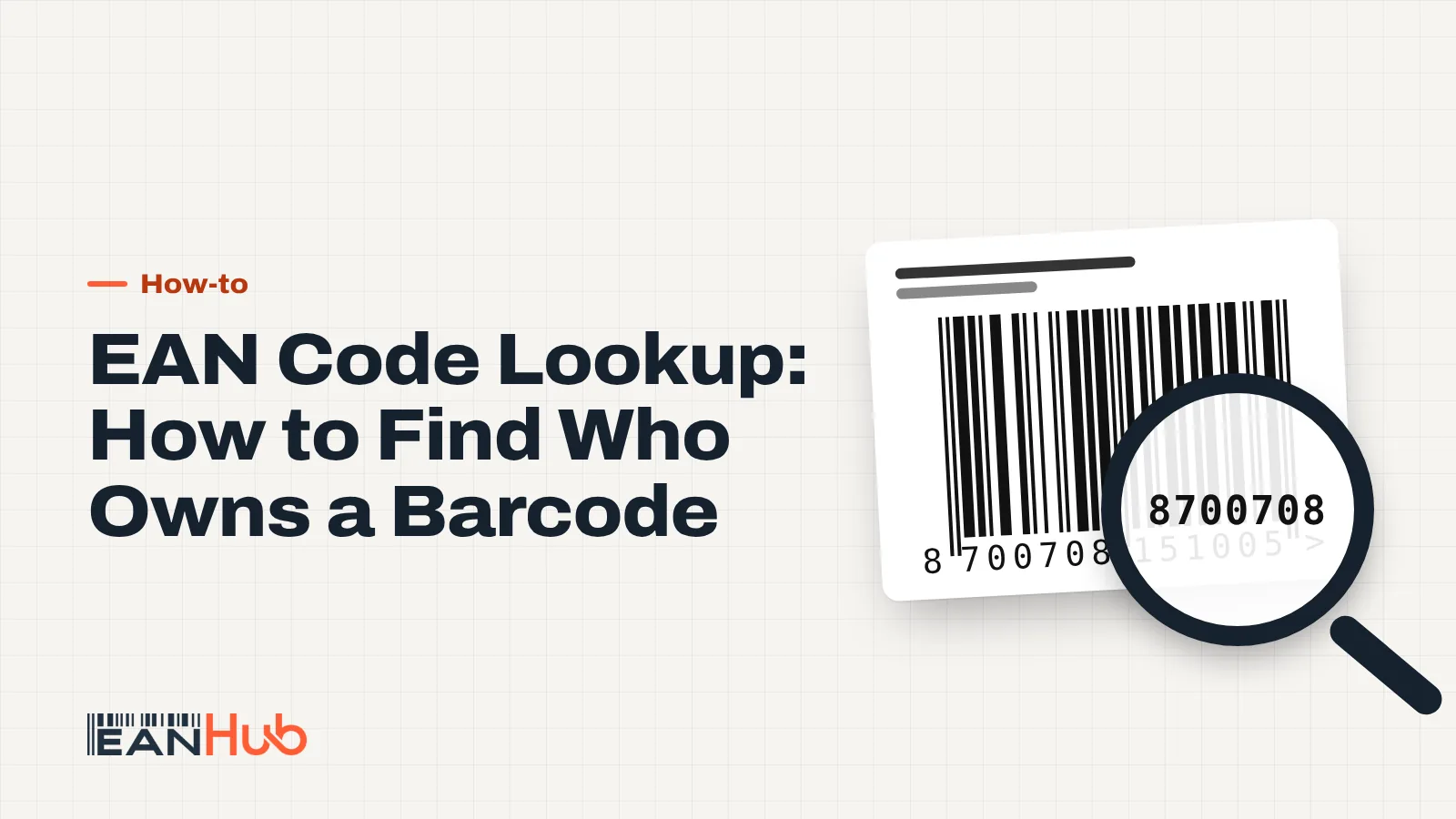
-
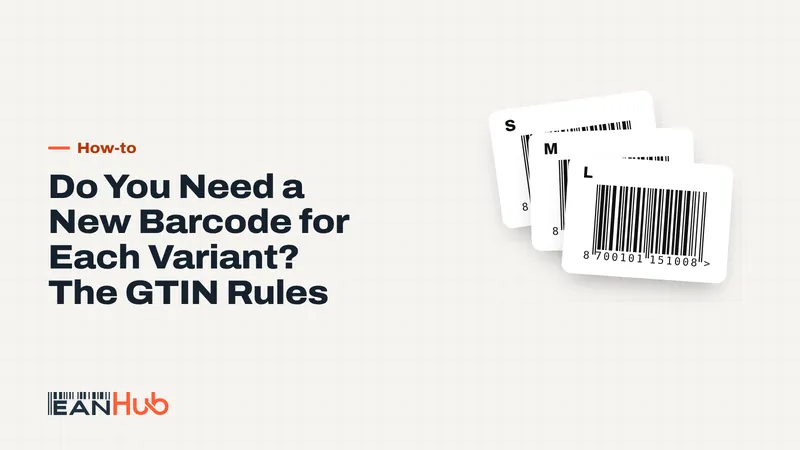 How-to Do You Need a New Barcode for Each Variant? The GTIN Rules Yes: every size, colour or other variant a customer can choose needs its own barcode. You also need a new one for multipacks, fixed bundles and certain product changes, such as a different net content or a dimension change of more than 20 per cent. 9 min read
 -
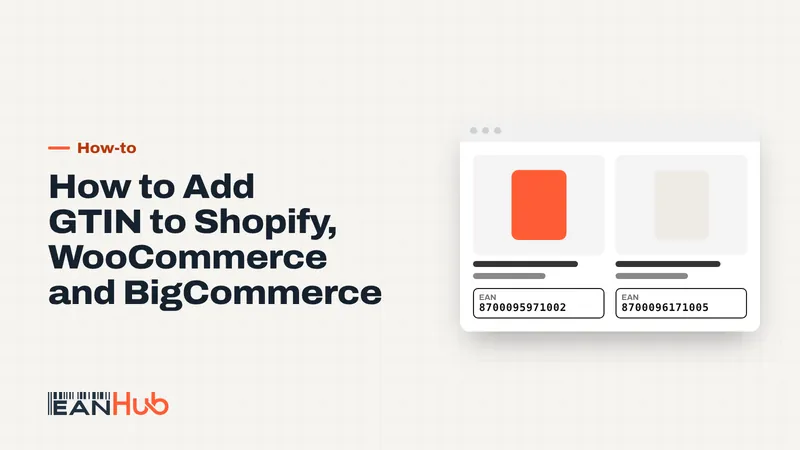 How-to How to Add GTIN to Shopify, WooCommerce and BigCommerce To add a GTIN to Shopify, put the 13-digit EAN in the Barcode field of each variant, not just the product. WooCommerce and BigCommerce work the same way: one EAN per variant in the platform's identifier field, then let your feed send it to Google and marketplaces. 9 min read
 -
 How-to Missing GTIN in Google Merchant Center? How to Fix It A missing GTIN warning in Google Merchant Center means Google expects a barcode number for that product and didn't receive a valid one. Fix it by sending the correct 13-digit GTIN with the brand, or, only for products that genuinely have no identifiers, by setting identifier_exists to no. 9 min read
 -
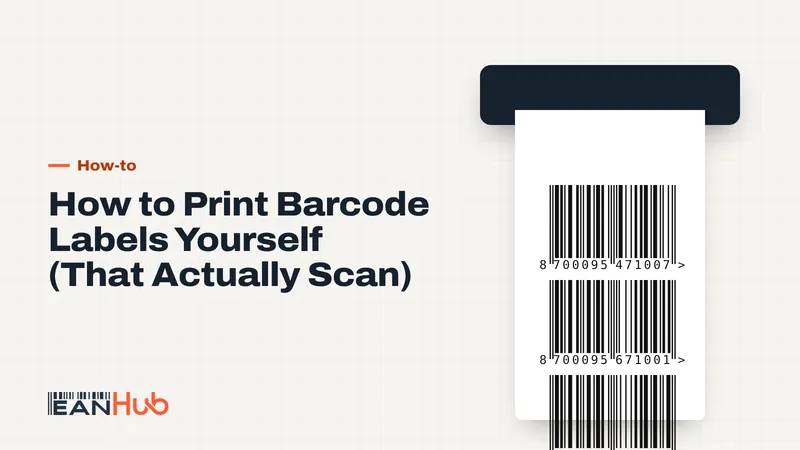 How-to How to Print Barcode Labels Yourself (That Actually Scan) To print barcode labels yourself, generate the barcode as a vector file, size it between 80 and 200 per cent of the nominal EAN-13 size, and print it on a thermal or laser printer with the module width matched to the printer's dots. Then test-scan a sample before you print the full run. 9 min read